Dark Mode for Google Sheets and Slides
Тёмная тема для Google Таблиц и Презентаций
Тёмная тема для Google Таблиц и Презентаций
Dark menus, toolbars and dialogs in Google Sheets and Slides; cells, charts and slides keep their colors. Unofficial extension.
| Firefox | dark-sheets-and-slides |
|---|---|
| Firefox id | sheets-dark@dmitryq |
| Permissions |
|
| Optional | none |
| Optional sites | none |
| Runs on |
|
| Firefox data collection | {"required": ["none"]} |
Screenshots from the store materials.
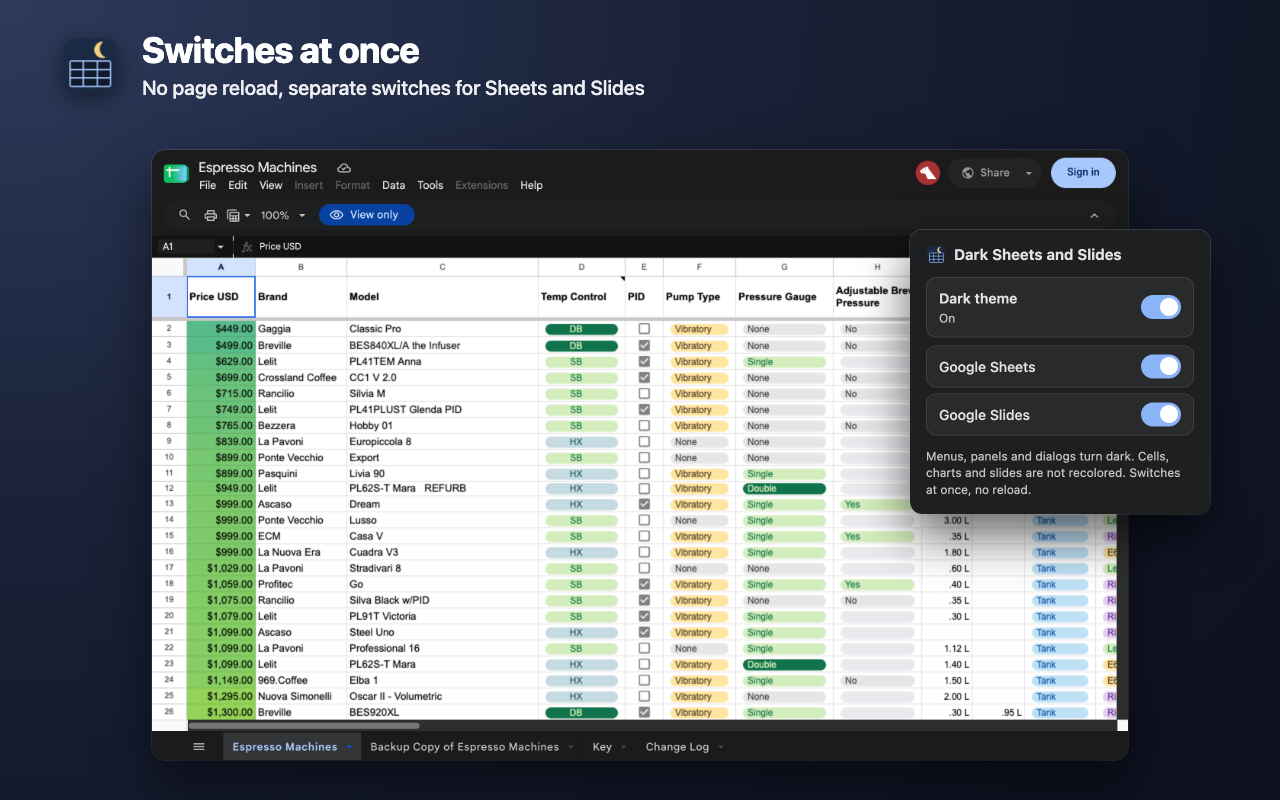
Text from the Firefox Add-ons page.
A dark interface for Google Sheets and Google Slides that leaves your data's colors alone. Menus, panels and dialogs around the sheet and the slide turn dark, while cells, fills, conditional formatting, charts and the slides themselves stay exactly as their author made them.

WHAT TURNS DARK
• The top bar: file name, menus, toolbar.
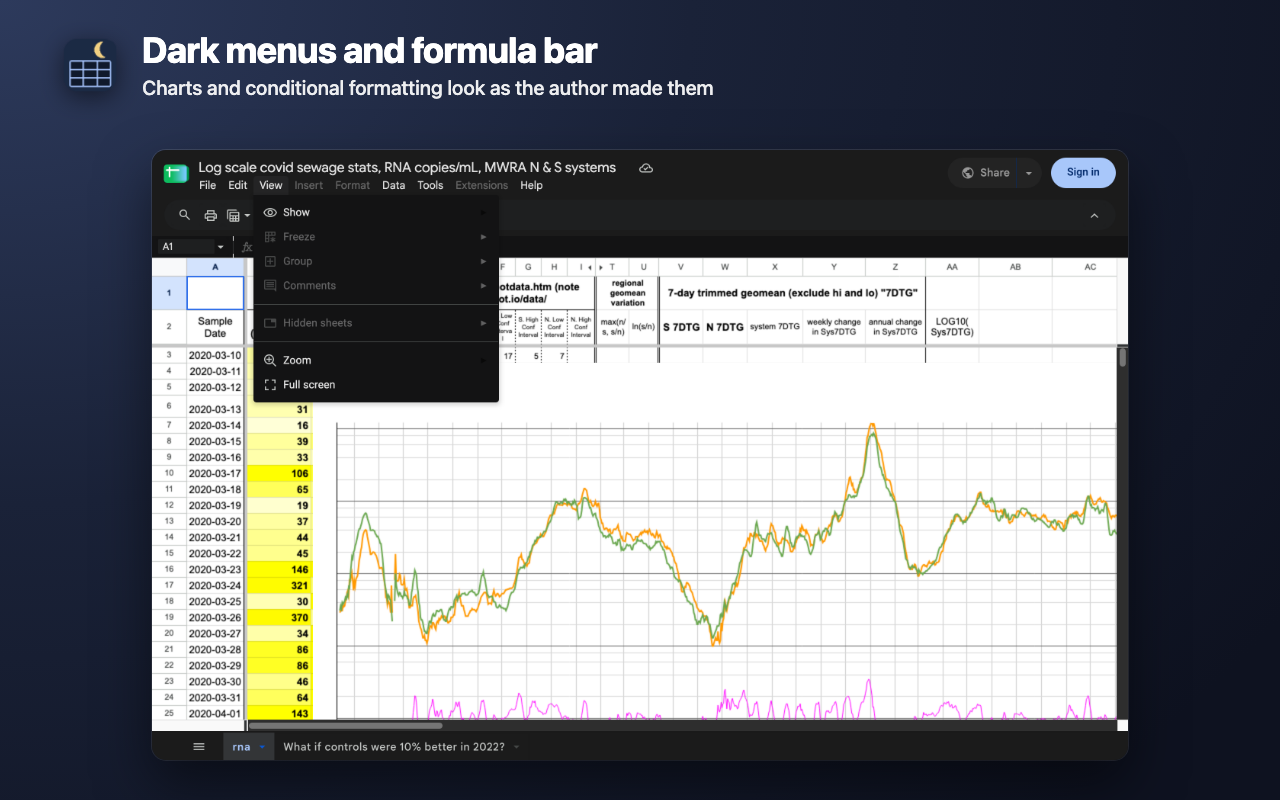
• Sheets: the formula bar and name box, sheet tabs, the sheet tab menu and the list of sheets.
• Drop-down menus, the cell context menu, find in sheet, tooltips, the Keyboard shortcuts dialog.
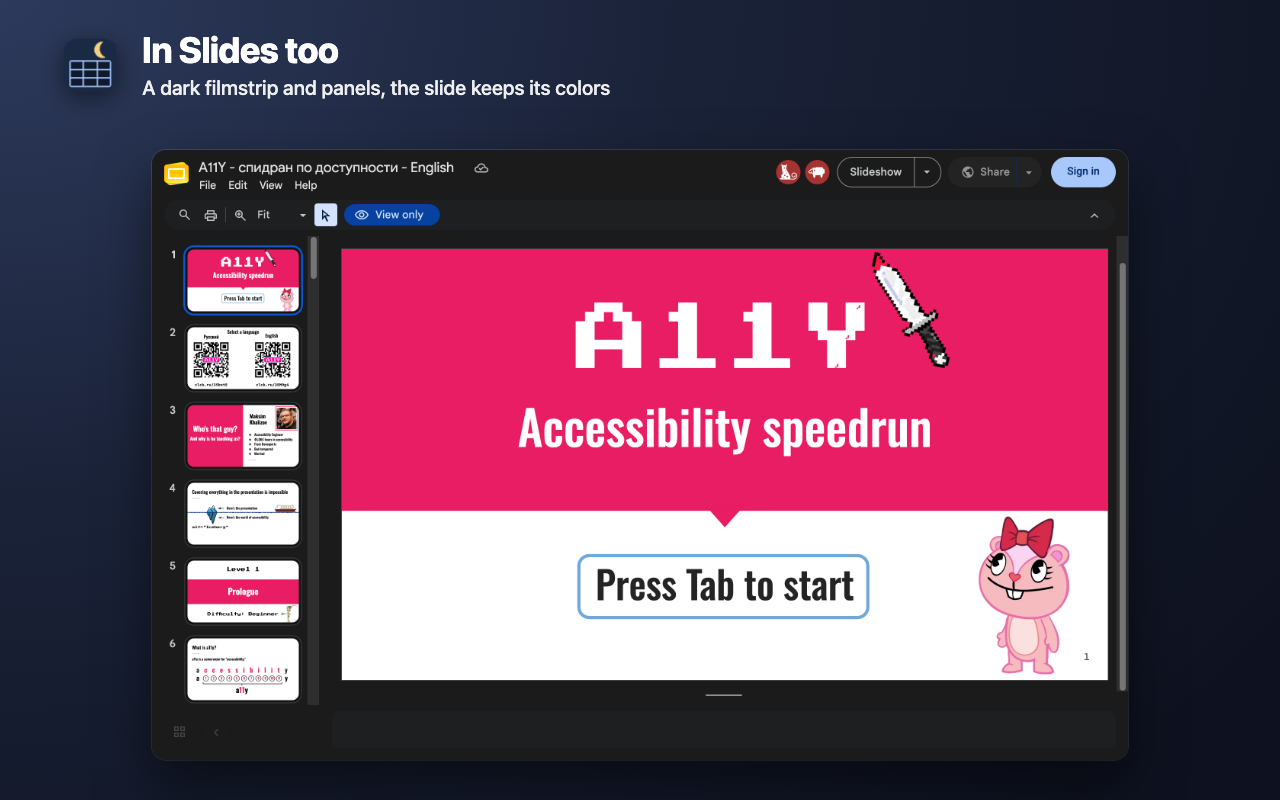
• Slides: the filmstrip and speaker notes (black note text turns light, colored text keeps its color).
• Published sheets (/pubhtml) and HTML view (/htmlview): the header and the sheet links at the bottom.

WHAT STAYS THE SAME
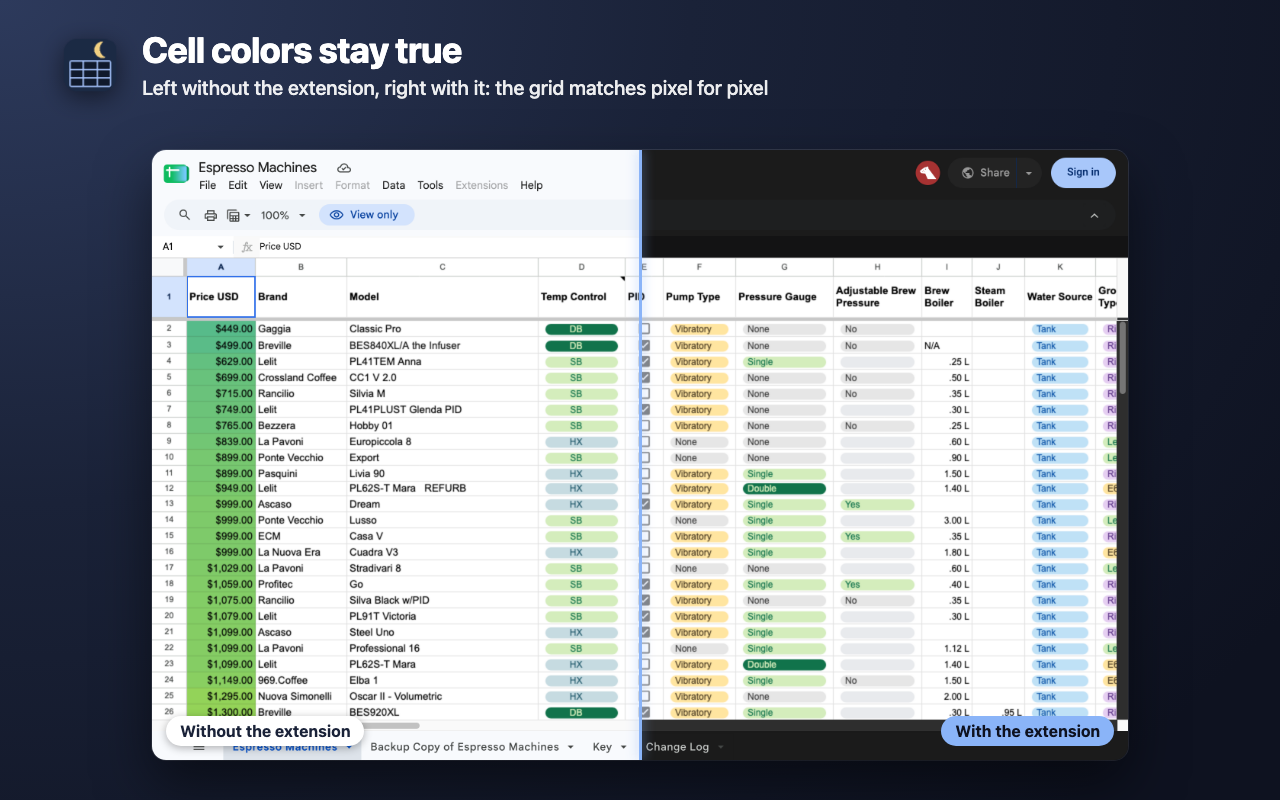
• Cells and their colors, conditional formatting, charts, chips and checkboxes — pixel for pixel as without the extension.
• Slides and slide thumbnails.
• The selection border and cursor are as visible as usual.
No inversion and no color filter are applied to the page, so green stays green and photos on slides don't turn into negatives.

HOW IT WORKS
• Google Sheets and Slides already ship Google's own dark palette in their style sheets. The extension turns it on and fixes the spots Google left white (the formula bar, the name box). Menus look native, not repainted.
• Nothing is scanned on the page, so large sheets scroll as before.

SWITCHES
• Turns on and off at once, no page reload.
• Separate switches for Sheets and for Slides.

LIMITS
• The grid is drawn on a canvas: a white sheet stays white, and the row and column headers stay light too. This is on purpose — that's how cell colors stay true.
• Windows Google opens in separate frames (such as the help panel) stay light.
• Google Docs and Google Forms are not affected.
• If Google changes its interface a lot, some spots may turn light again until the extension is updated. Cells and slides are never touched either way.

PRIVATE
• Works only on Google Sheets and Slides addresses. The only permission is storing the switch positions.
• Does not read your documents, makes no network requests, sends nothing to the author or anyone else.
• No sign-up, ads or analytics.

Unofficial extension, not affiliated with Google. Google Sheets and Google Slides are trademarks of Google LLC.

Interface in English and Russian.